RA Workshop
Solutions
RA Workshop LiteRA Workshop ExpressRA Workshop ProfessionalCNC Add-onSmart Office ToolsRa Server
For your business
ShowroomsSmall fabricators (5–50)FactoriesDealer networks
Results
Why RA WorkshopCase studiesROI calculatorCNC integrations
Pricing
Resources
Free guidesVideo lessonsFAQOnline help
BG
Sign inDownload LiteRequest a paid license
☰
Download MicroAPI and activate LiteRequest a paid license
Solutions
  • RA Workshop Lite
  • RA Workshop Express
  • RA Workshop Professional
  • CNC Add-on
  • Smart Office Tools
  • Ra Server
For your business
  • Showrooms
  • Small fabricators (5–50)
  • Factories
  • Dealer networks
Results
  • Why RA Workshop
  • Case studies
  • ROI calculator
  • CNC integrations
Pricing
Resources
  • Free guides
  • Video lessons
  • FAQ
  • Online help
ENBG
Sign in
  1. Home
  2. Products
  3. Smart Office
  4. In-Factory Logistics
In-Factory Logistics

Find any unit on the floor in seconds — not after a walk-through

Scan-driven location tracking shows where each frame, sash and glass rack sits from preparation through assembly, glazing, storage and dispatch staging.

Discuss availabilityBack to Smart Office hub

Physical WIP visibility inside the plant — bay by bay, slot by slot.

Planned - not generally available
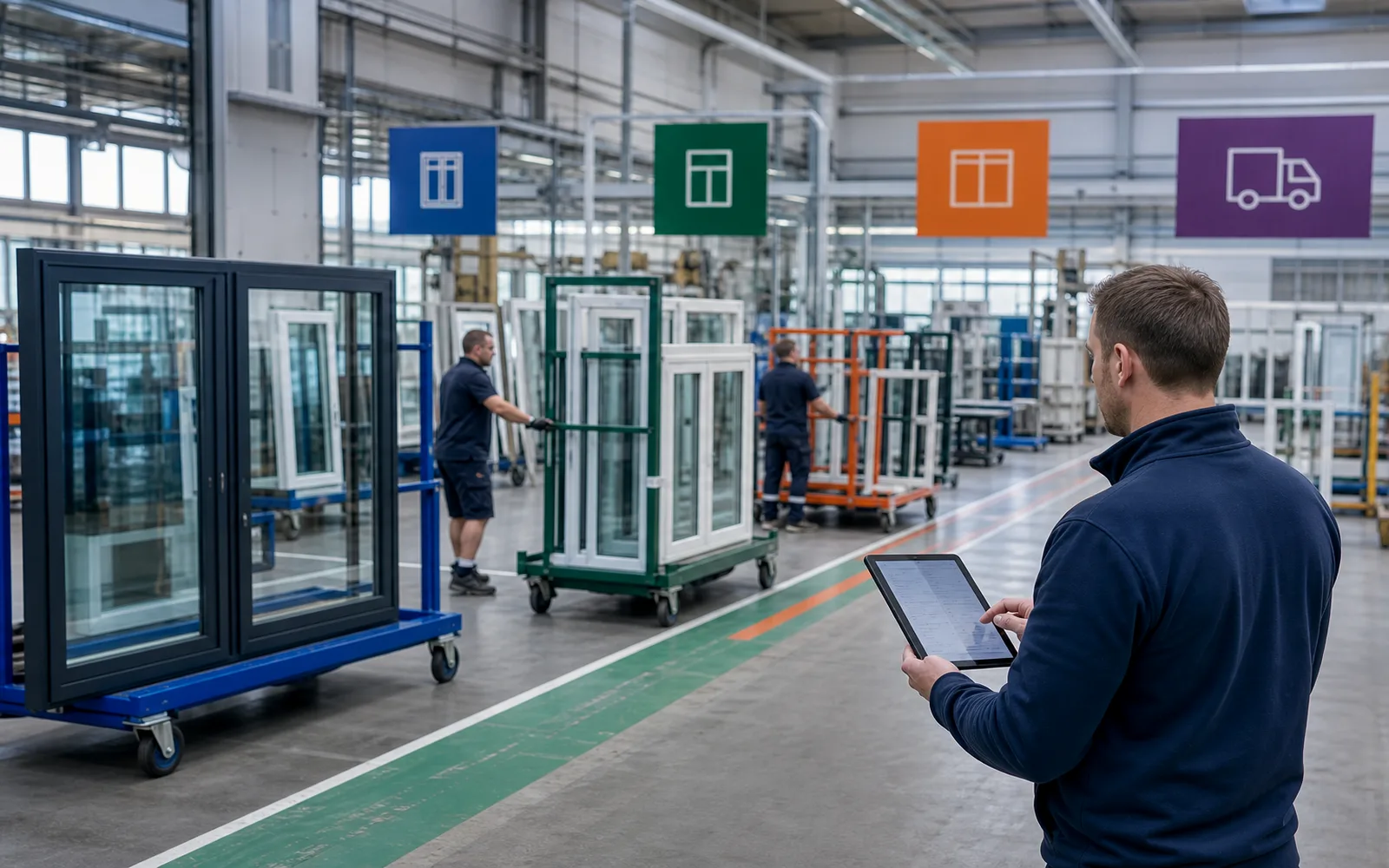
In-factory logistics map showing window production units moving between preparation assembly and dispatch zones

WIP search shouldn't require a floor tour

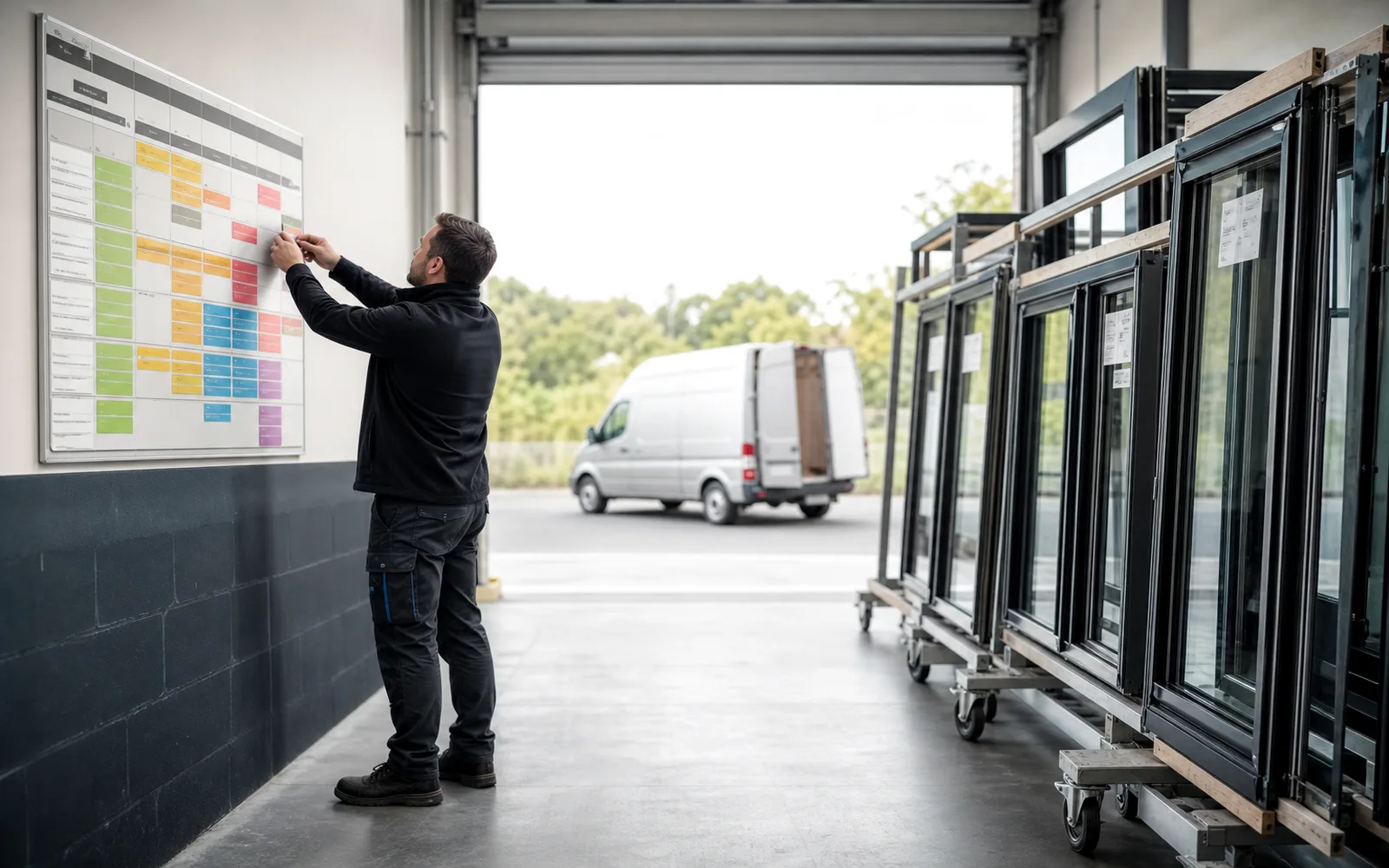
Logistics plans deliveries while half the job is still 'somewhere in assembly' — nobody wrote down which aisle.

Without in-factory logistics

  • Dispatch calls production: 'Is job 4472 ready?' — answer takes twenty minutes.
  • Glass racks sit in the wrong bay and get bumped for urgent cutting.
  • Night shift moves units; day shift can't find them without radio chatter.
  • Storage overflow hides finished frames behind still-waiting customs hardware.

With in-factory logistics

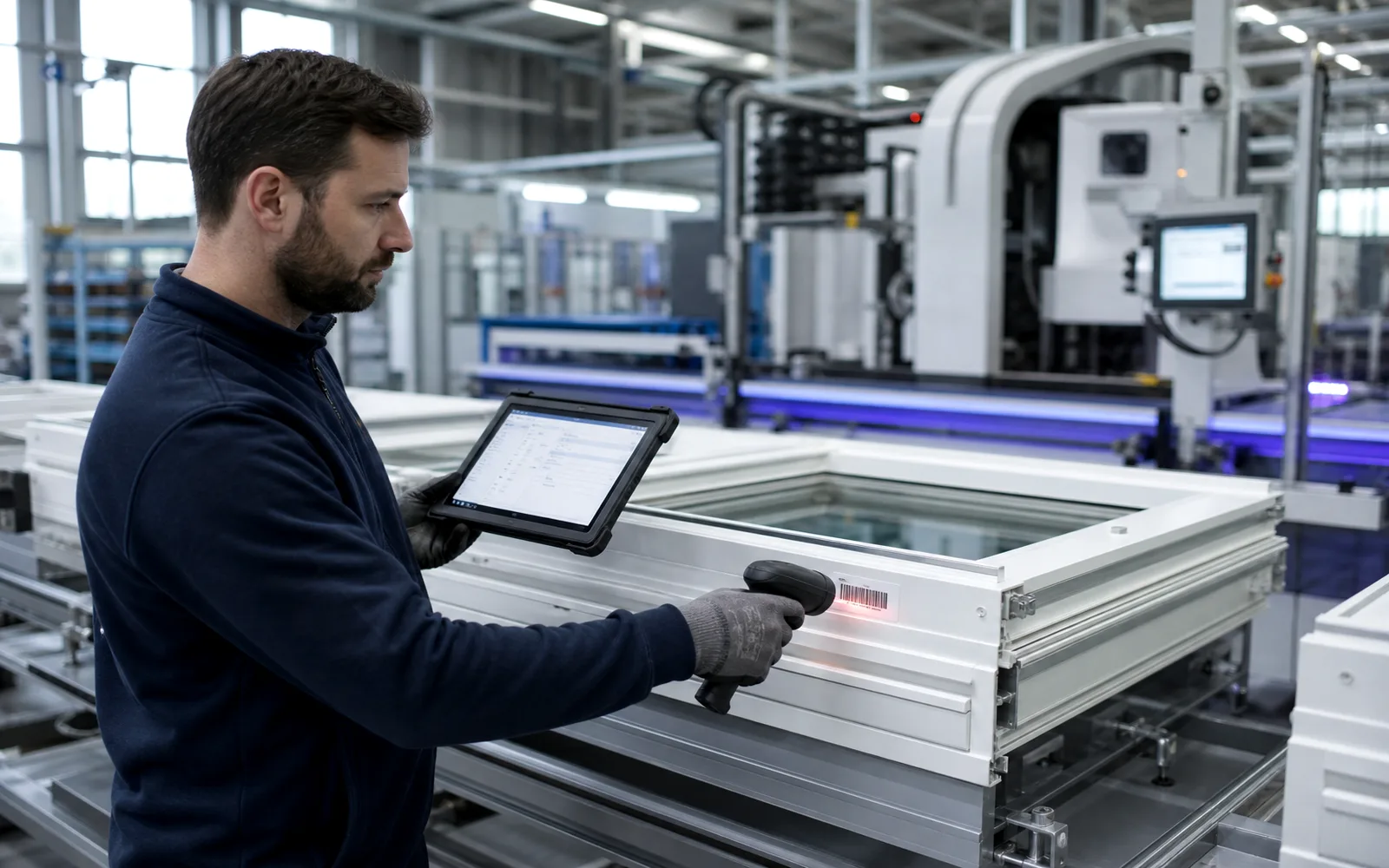
  • Scan a unit barcode and see bay, rack slot and last movement instantly.
  • Staging rules keep glass, frames and hardware kits in compatible zones.
  • Move events log who transferred what and when for accountability.
  • Dispatch sees ready-to-load groups without walking the plant.

When the floor is a black box

  • Triple-glazed units stack in dispatch while installers wait on single sashes still in glaze.
  • Rush retrofit jobs displace scheduled work because nobody sees bay congestion.
  • Forklift time wasted hunting pallets labeled only with marker pen.
  • Customer site visits ask 'can we see our order?' — answer isn't immediate.
  • End-of-day inventory of WIP is a clipboard count that nobody trusts.
When every unit has a place

  • Live facility map with zones: cut, assemble, glaze, QC, storage, dispatch.
  • Mandatory scan on move keeps location data current.
  • Congestion alerts when staging areas exceed capacity rules.
  • Customer-ready units grouped by delivery route and install crew.
  • WIP valuation and age reports for management without manual counts.

Indoor logistics for busy fabrication halls

Know where work physically is — not just what the schedule claims.

Zone and slot model matching your actual bay layout.

Barcode move transactions with user and timestamp audit.

WIP search by job, unit, customer or delivery group.

Staging rules for glass, frames, hardware and finished goods.

Integration with paperless work orders for next-operation hints.

Capacity indicators per zone to prevent dispatch surprises.

Handoff views for logistics and installation scheduling.

Historical movement trail for disputes and process improvement.

Tracking a unit inside the plant

  1. 1

    Release to first zone

    Production labels print; first scan places the unit in preparation.

  2. 2

    Move on completion

    Operator scans out of assembly and into glazing with one action.

  3. 3

    Stage for dispatch

    Finished units scan into route-specific staging slots.

  4. 4

    Load confirmation

    Logistics scans onto vehicle; in-factory record clears the slot.

Indoor logistics pairs with these modules

Shop floor operator scanning barcode on aluminium sash at a window fabrication station
Partially available - discuss the current scope

Paperless Shop Floor

Connect CNC data, barcode labels, digital work orders and BOMs so production runs from live instructions instead of paper folders.

Installation coordinator scheduling window orders on a dispatch board beside units ready for site teams

Orders & Installation

Track confirmed orders from finished production through delivery scheduling to on-site installation teams — every unit tied to the job it belongs to.

Dispatch coordinator scheduling window deliveries to dealers and installation crews on route board
Partially available - discuss the current scope

Logistics & Distribution

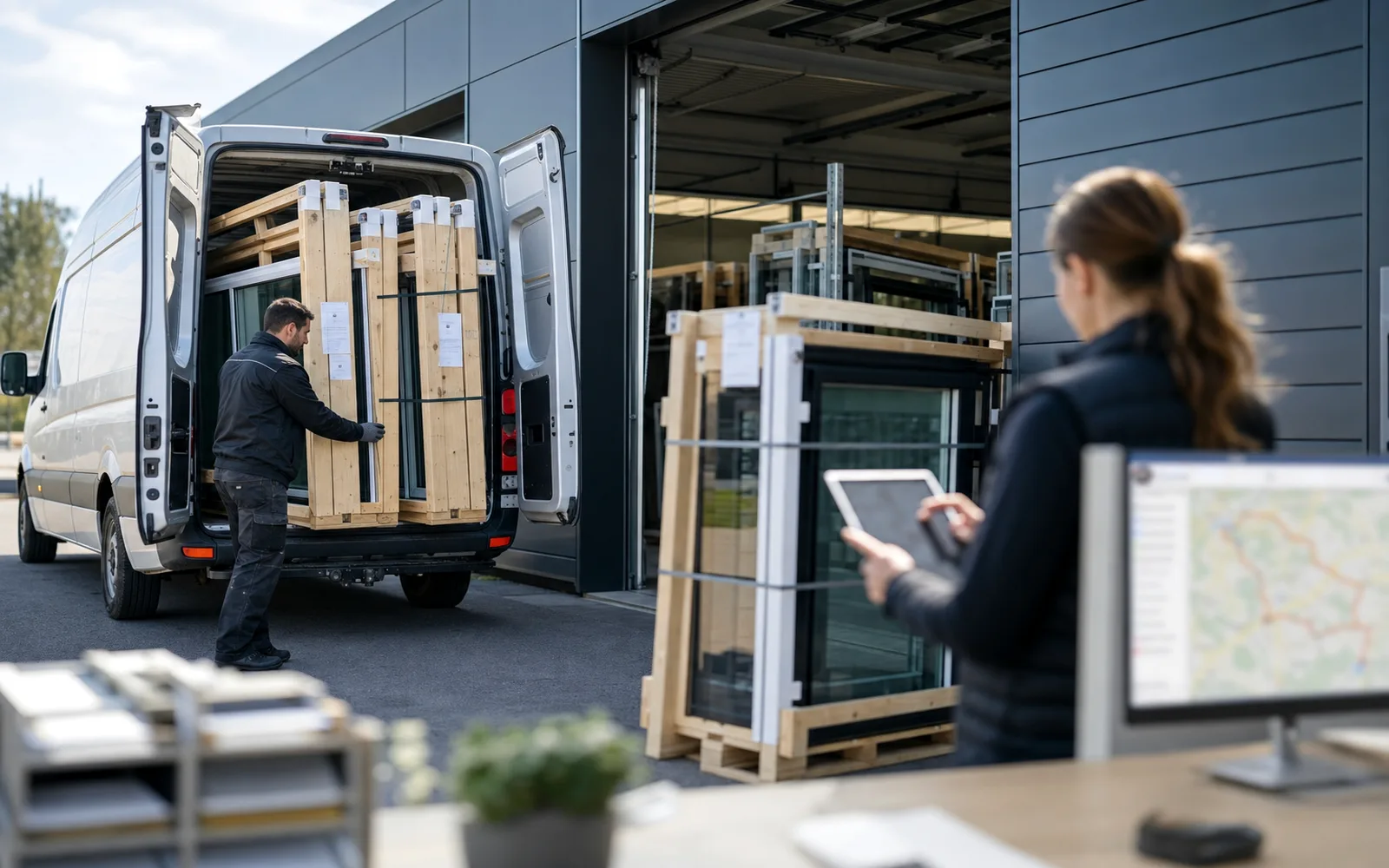
Schedule deliveries to end users, dealers and on-site teams while keeping in-factory movement aligned with dispatch plans.

Stop walking the floor to answer 'where is it?'

Book a demo and we will map your bay layout to scan-based WIP tracking on a sample job.

Book a demoBack to Smart Office hub
RA Workshop

Pyramid Software's RA Workshop — production software for window and door fabricators. Locally supported in Bulgaria by Delice Automatics Ltd, official Pyramid Software representative.

  • +359 (885) 82 17 84
  • service@delice.bg
  • Golden Class 20, Stara Zagora, Bulgaria
15+ years on the line51 countriesRefund policy (eligible editions)

Source: Pyramid Software

Get started

  • Download MicroAPI and activate Lite
  • Request a paid license
  • Pricing
  • Book a demo
  • Contact

Solutions

  • RA Workshop Professional
  • CNC Add-on
  • Smart Office Tools
  • Ra Server
  • CNC integrations

For your business

  • Showrooms
  • Small fabricators (5–50)
  • Factories
  • Dealer networks

Trust & help

  • Case studies
  • FAQ
  • Video lessons
  • Free guides
  • Online help
  • About

© 2026 Delice Automatics Ltd. · RA Workshop is a Pyramid Software product

Privacy noticeWebsite termsCookie policyCookie settingsDelice Software EULARaConnect / MicroAPIDPA / SubprocessorsConsumer withdrawalCommercial refund policyLegal notice
Help centre
ENBG
🍪

We respect your privacy

We use cookies to keep this site working, measure how visitors use it, and improve the experience. You can choose which categories to allow. Read our cookie policy.