
RA Workshop
Solutions
RA Workshop LiteRA Workshop ExpressRA Workshop ProfessionalCNC Add-onSmart Office ToolsRa Server
For your business
ShowroomsSmall fabricators (5–50)FactoriesDealer networks
Results
Why RA WorkshopCase studiesROI calculatorCNC integrations
Pricing
Resources
Free guidesVideo lessonsFAQOnline help
BG
Sign inDownload LiteRequest a paid license
☰
Download MicroAPI and activate LiteRequest a paid license
Solutions
  • RA Workshop Lite
  • RA Workshop Express
  • RA Workshop Professional
  • CNC Add-on
  • Smart Office Tools
  • Ra Server
For your business
  • Showrooms
  • Small fabricators (5–50)
  • Factories
  • Dealer networks
Results
  • Why RA Workshop
  • Case studies
  • ROI calculator
  • CNC integrations
Pricing
Resources
  • Free guides
  • Video lessons
  • FAQ
  • Online help
ENBG
Sign in
  1. Home
  2. Products
  3. Smart Office
  4. Google Workspace
Google Workspace

Quotes, drawings and customer email stay in sync with the job — not in side inboxes

Gmail, Drive, Calendar and Sheets connect to your RA Workshop workspace so reps, engineers and project managers work from one context without copy-paste between tabs.

Book a demoBack to Smart Office hub

Native Google Workspace sync for communication and files on every job.

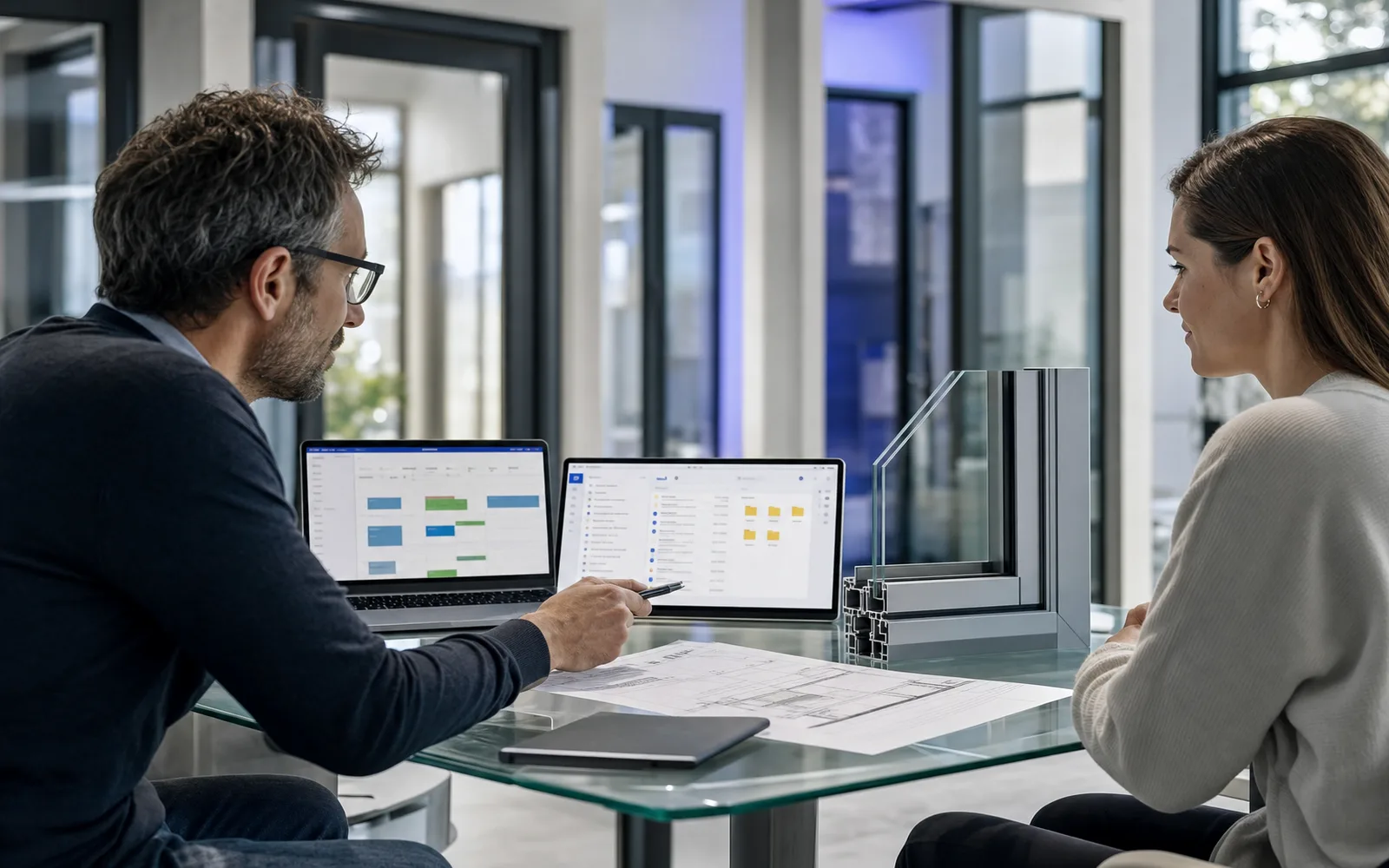
Google Workspace integration with Gmail Drive and Calendar inside window fabrication workspace

Your team lives in Google — your jobs live in Smart Office Tools

Until they meet, customer threads, revised PDFs and meeting invites float outside the record sales and service rely on.

Without Google Workspace integration

  • Quote PDFs emailed to customers never attach back to the opportunity.
  • Site survey photos sit in personal Drive folders.
  • Install appointments live on Calendar invites CRM doesn't see.
  • Shared pricing sheets fork into '_final_FINAL.xlsx' chaos.

With Google Workspace integration

  • Email threads link to contacts, opportunities and orders automatically.
  • Drive folders scaffold per job with correct sharing rules.
  • Calendar events sync to install and survey scheduling views.
  • Sheets exports pull live lists for campaigns and stock reviews.

When Google and Smart Office Tools are silos

  • Dealer email negotiation lost when rep is on leave.
  • Architect's revised façade PDF overwritten locally, not on the job.
  • Double-booked survey because Calendar and CRM diverged.
  • Management can't see customer communication during escalation.
  • Offboarding misses personal inboxes holding active job history.
When communication lives on the job

  • Gmail sync with thread linking to CRM entities.
  • Job-scoped Drive folders with template structure.
  • Calendar bi-directional sync for field and showroom teams.
  • Sheets connectors for operational lists and mail-merge sources.
  • Shared mailbox and delegation support for continuity.

Google tools inside your fabrication workspace

Keep the apps your team already uses — connected to quotes, jobs and customers.

Gmail integration with entity linking and send-from-workspace options.

Drive folder automation per quote, order and project.

Calendar sync for surveys, installs and internal milestones.

Sheets data pull for reports, lists and campaign exports.

Permission templates aligned to enterprise admin roles.

Attachment capture from email into job document store.

Contact sync between Google and CRM where configured.

Audit trail on shared file and calendar changes tied to jobs.

A customer email becomes job context

  1. 1

    Connect workspace

    Admin authorises Google; users map mail and calendar.

  2. 2

    Work in familiar apps

    Rep emails quote PDF; system offers link to opportunity.

  3. 3

    Files land on the job

    Drive folder receives drawings; CRM shows latest revision.

  4. 4

    Schedule in sync

    Install invite updates the workspace calendar and crew assignment.

Google Workspace works best with these modules

Office manager reviewing AI-parsed supplier invoices beside a window fabrication workspace dashboard

Automation & AI

Parse invoices with AI, build visual automations, delegate work to autonomous assistants, and search your own knowledge base with RAG.

Sales rep managing window project pipeline on a visual CRM board beside quote PDFs

CRM & Sales

Track leads and contacts, manage visual opportunity pipelines, and turn sales activity into quotes and orders without losing context.

Marketing manager reviewing email campaign KPIs and fabrication margin dashboards
Partially available - discuss the current scope

Marketing & Analytics

Run email campaigns, monitor real-time KPIs and build operational reports that show what actually moves margin.

Unify Gmail, Drive and Calendar with your fabrication jobs

Book a demo and we will connect a sample workspace and show email, files and events on a live opportunity.

Book a demoBack to Smart Office hub
RA Workshop

Pyramid Software's RA Workshop — production software for window and door fabricators. Locally supported in Bulgaria by Delice Automatics Ltd, official Pyramid Software representative.

  • +359 (885) 82 17 84
  • service@delice.bg
  • Golden Class 20, Stara Zagora, Bulgaria
15+ years on the line51 countriesRefund policy (eligible editions)

Source: Pyramid Software

Get started

  • Download MicroAPI and activate Lite
  • Request a paid license
  • Pricing
  • Book a demo
  • Contact

Solutions

  • RA Workshop Professional
  • CNC Add-on
  • Smart Office Tools
  • Ra Server
  • CNC integrations

For your business

  • Showrooms
  • Small fabricators (5–50)
  • Factories
  • Dealer networks

Trust & help

  • Case studies
  • FAQ
  • Video lessons
  • Free guides
  • Online help
  • About

© 2026 Delice Automatics Ltd. · RA Workshop is a Pyramid Software product

Privacy noticeWebsite termsCookie policyCookie settingsDelice Software EULARaConnect / MicroAPIDPA / SubprocessorsConsumer withdrawalCommercial refund policyLegal notice
Help centre
ENBG
🍪

We respect your privacy

We use cookies to keep this site working, measure how visitors use it, and improve the experience. You can choose which categories to allow. Read our cookie policy.